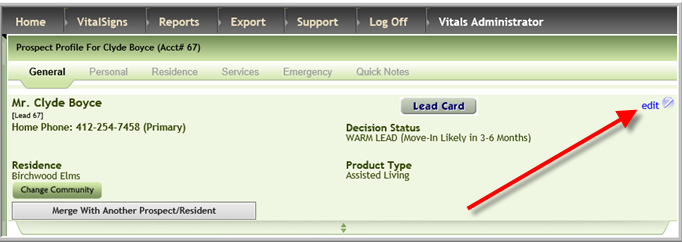
- Enter demographic information specific to the prospect by accessing their profile and clicking Edit
- Enter information as needed, click Update
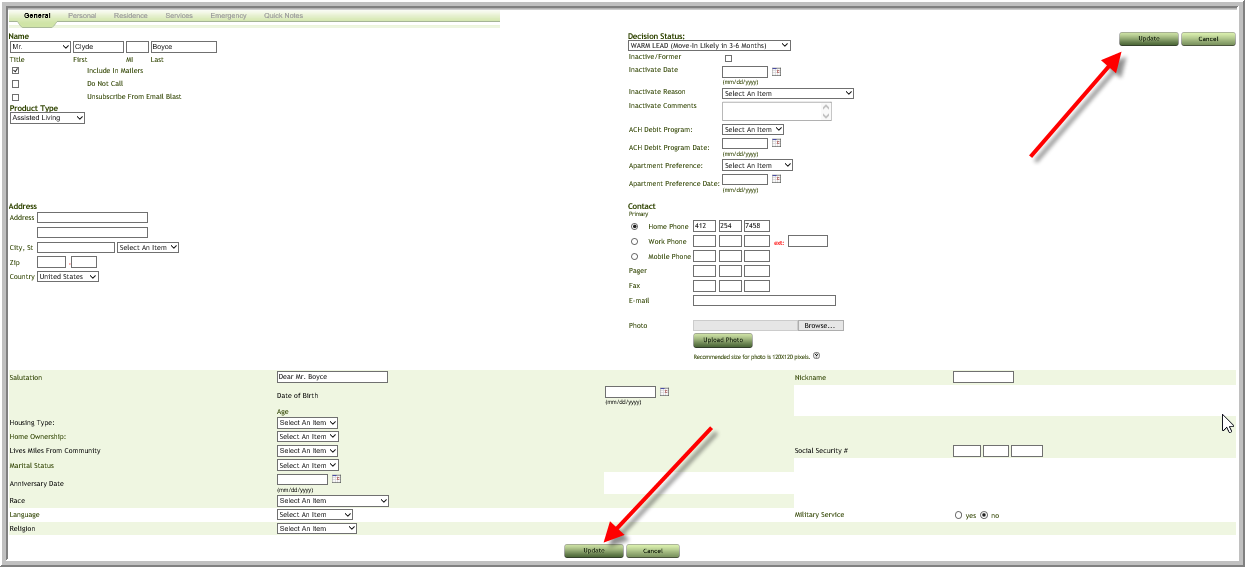
Note: A few of fields available on your screen may be different than above.
Was this article helpful?
That’s Great!
Thank you for your feedback
Sorry! We couldn't be helpful
Thank you for your feedback
Feedback sent
We appreciate your effort and will try to fix the article