You must have proper security access to be able to perform these steps.
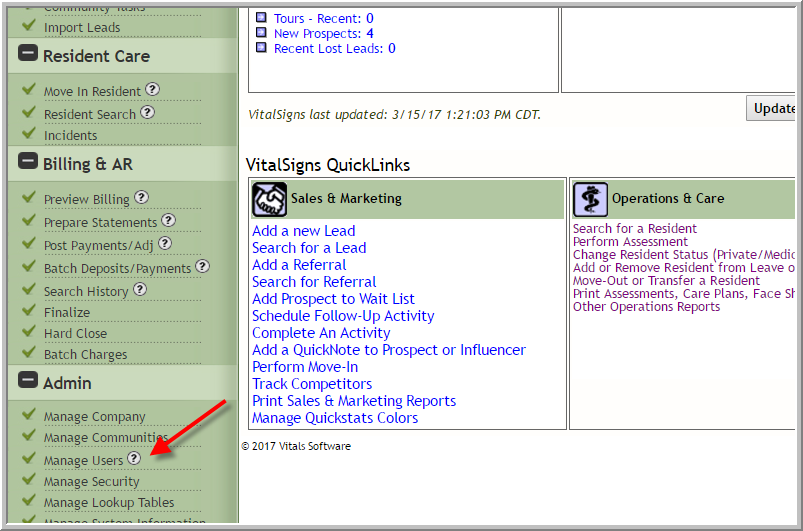
- Click Manage Users
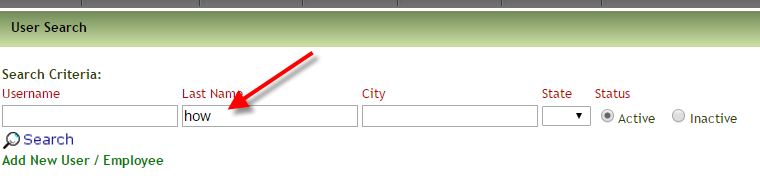
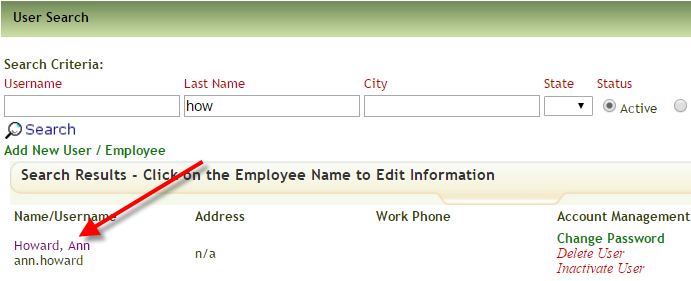
- (Optional) Enter last name
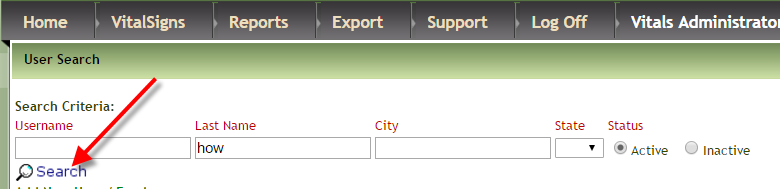
- Click Search
- If you need to inactivate a user or change password you can do so in this area. (We recommend that you inactivate users rather than deleting them)
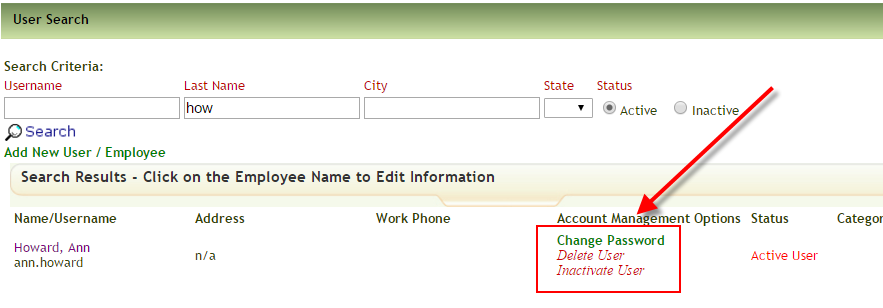
- If you need to make other changes to the user click User Name
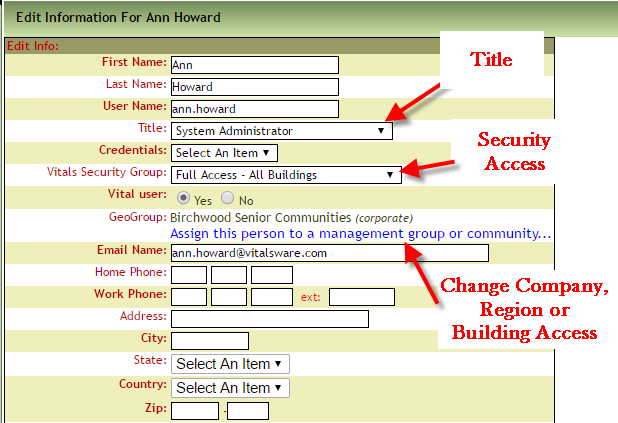
- The most frequent changes are made in the following areas but change what you need to change.
Was this article helpful?
That’s Great!
Thank you for your feedback
Sorry! We couldn't be helpful
Thank you for your feedback
Feedback sent
We appreciate your effort and will try to fix the article