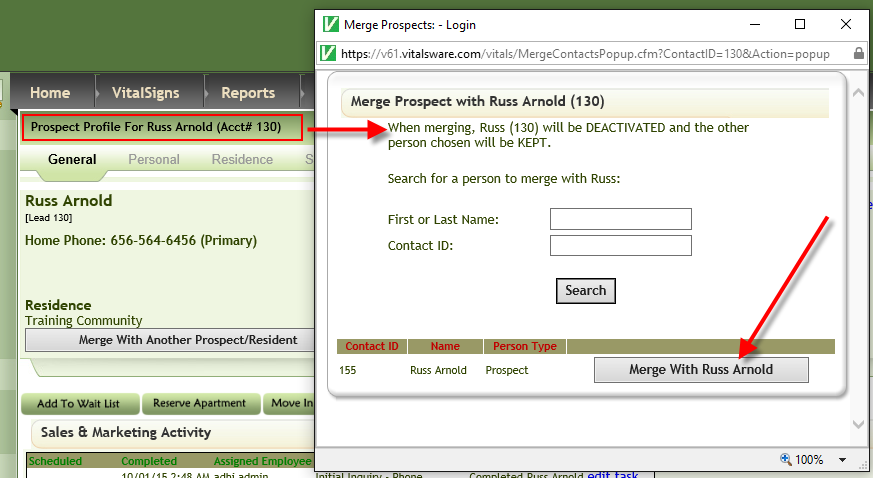
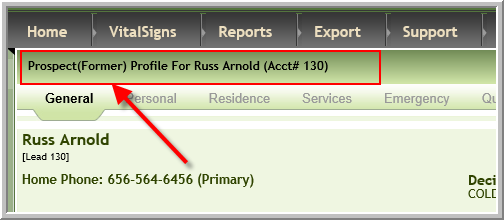
If you inadvertently add a prospect that is already in Vitals you can merge that prospect into another prospect or resident. (The other option is to simply inactivate the duplicate. You would choose to merge when you want information to be included on the remaining prospect/resident)
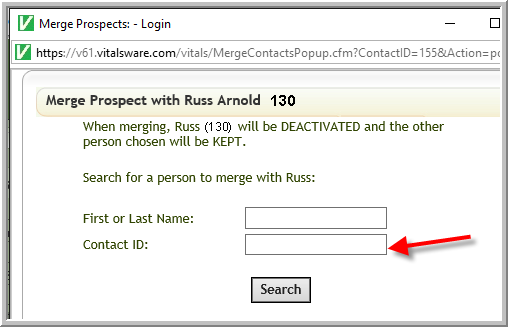
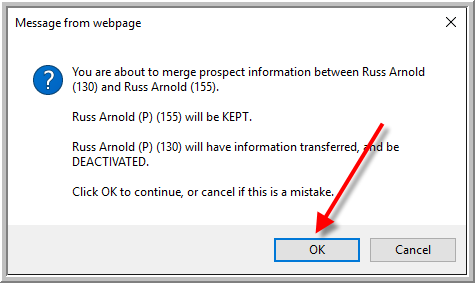
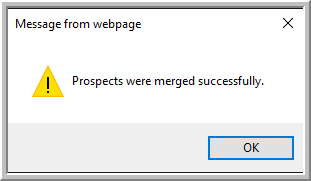
The steps to merge prospects (or prospect/resident) are:
1. Access the profile of the prospect that you want to inactivate, click Merge With Another Prospect/Resident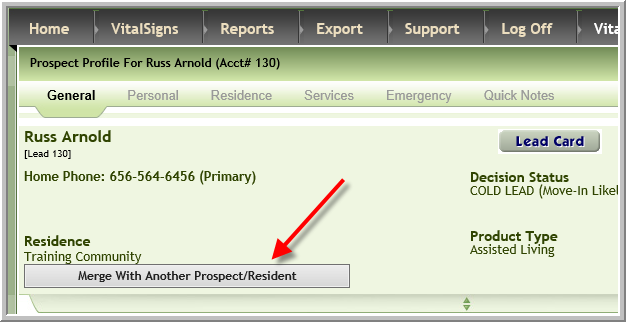
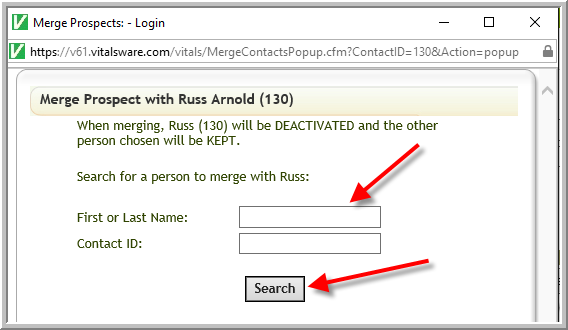
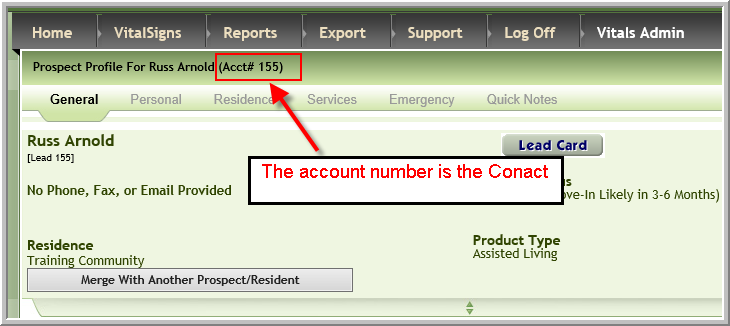
2. Click Merge With prospect or resident name
Was this article helpful?
That’s Great!
Thank you for your feedback
Sorry! We couldn't be helpful
Thank you for your feedback
Feedback sent
We appreciate your effort and will try to fix the article