You can add a Referral Organization and connect Referral Contacts to the Organization
Steps to Add New Referral Organization
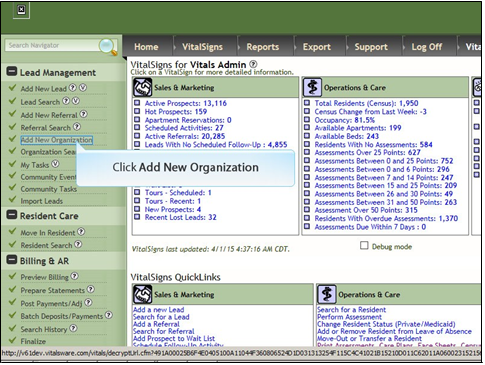
1. Click Add New Organization
2. Enter data in the fields. Fields marked with an asterisk* are required fields. Click Submit.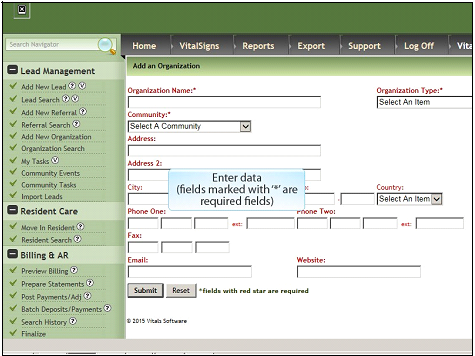
3. Click Submit
How to Connect Referral Contact to Organization
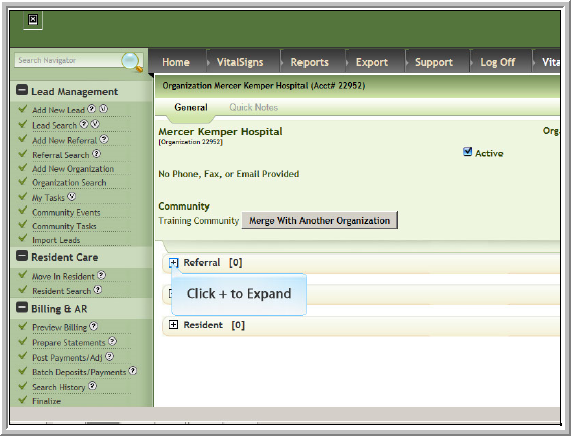
- Click + to expand Referral
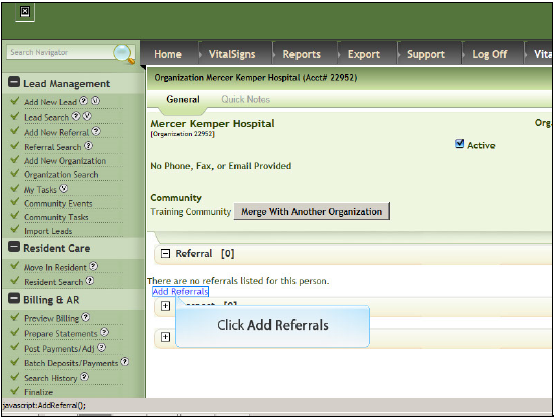
- Click Add Referrals
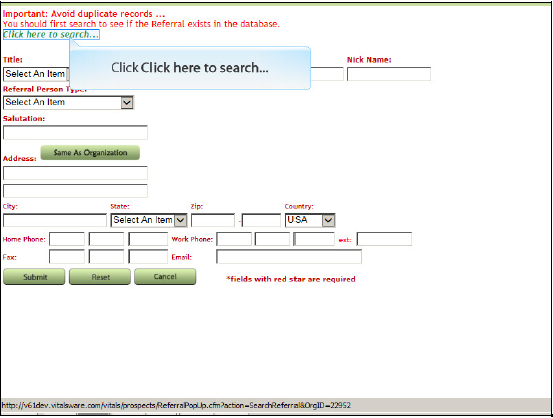
- Click Click here to search…
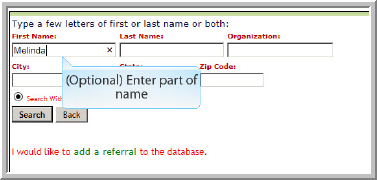
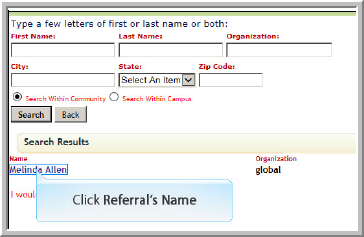
- (Optional) Enter part of Referral's Name
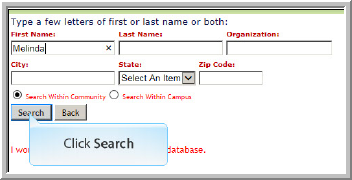
- Click Search
- If name is not available click add a referral and enter data in next screen that displays
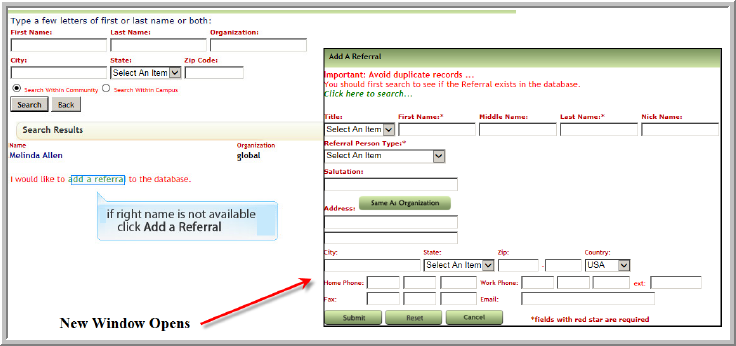
- If name is available, click Referral’s Name
- Click Submit

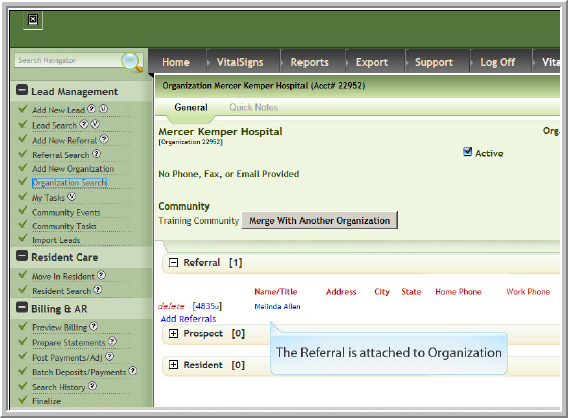
- The Organization Profile displays the connected / linked Referral
Was this article helpful?
That’s Great!
Thank you for your feedback
Sorry! We couldn't be helpful
Thank you for your feedback
Feedback sent
We appreciate your effort and will try to fix the article