It is a Vitals best practice to enter information properly in an invoice before completing the invoice. However, there are times when it is necessary to make corrections to an invoice after the invoice has been completed.
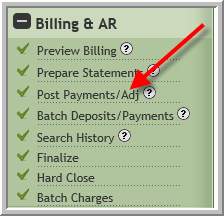
- Click Post Payments/Adj
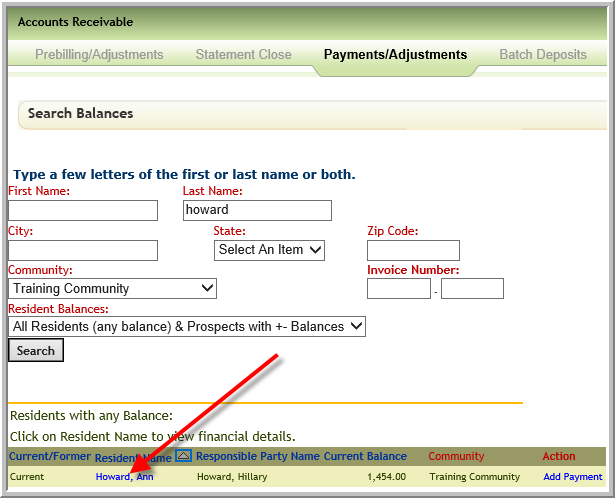
- Search for the resident then click the resident's name
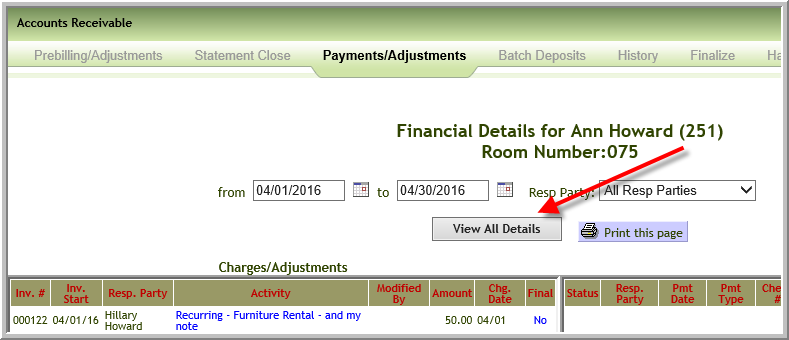
- You can only change invoices in an unclosed period. However, it is possible you need to change an invoice that is unclosed but in prior period. In that case click View All Details
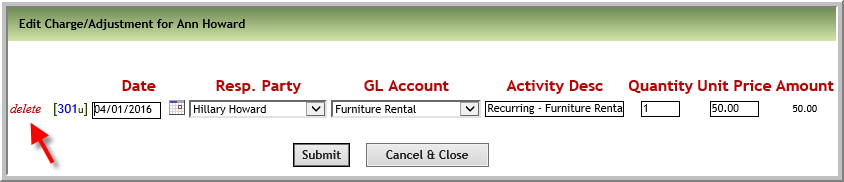
- If you need to a charge or credit in the invoice click the item
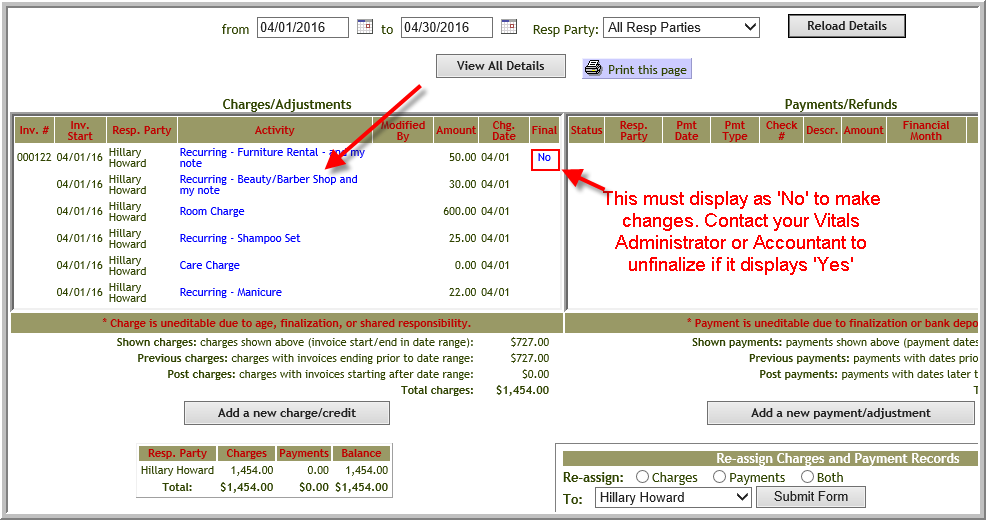
- You can delete the item or you can edit the information. (You cannot delete the only item on an invoice. Change the amount to 0 if it is the last item but you do not want an invoice.)
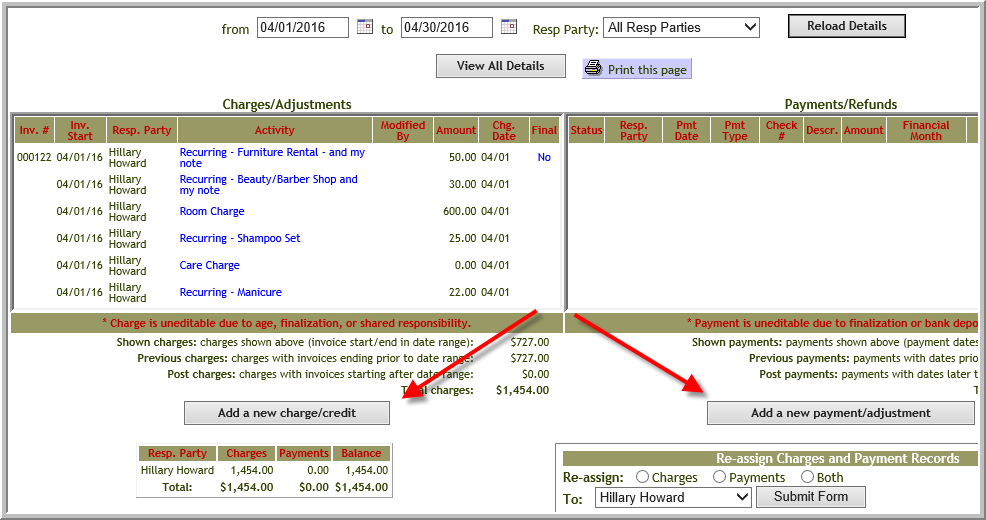
- If you need to add an addition credit or charge click Add a new charge/credit
- You can edit a payment if it has not been added to batch deposit or finalized
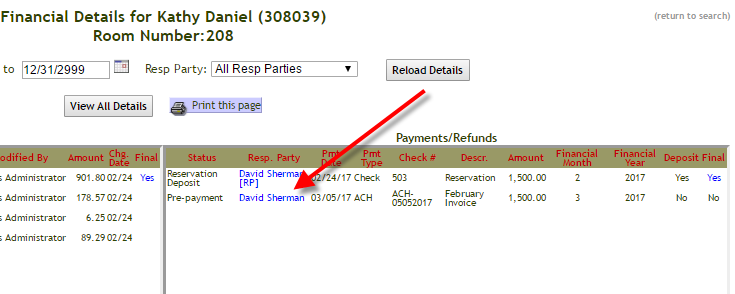
- If the payment has been added to batch deposit you can delete the batch deposit if it is not finalized by using these directions How do I delete a batch bank deposit?
Was this article helpful?
That’s Great!
Thank you for your feedback
Sorry! We couldn't be helpful
Thank you for your feedback
Feedback sent
We appreciate your effort and will try to fix the article