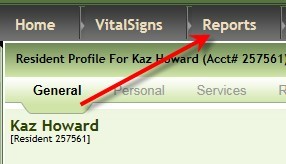
1. Click Reports
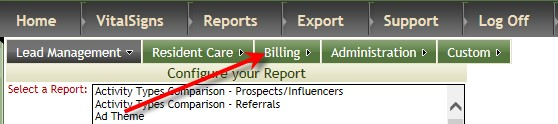
2. Click Billing
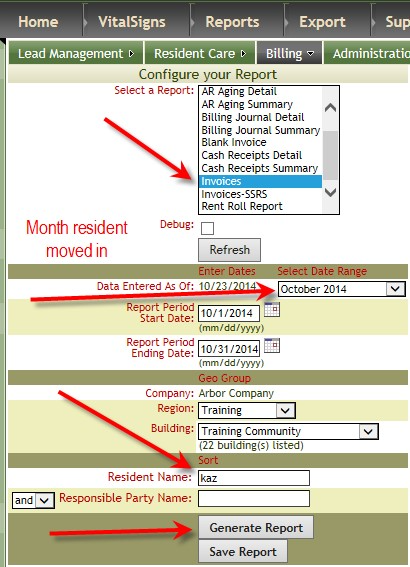
3. Click Invoices (or Statements or Invoices-SSRS), select the month the resident moved in, enter part of resident’s name (If you do not enter any name invoices will generate for all residents.), click Generate Report
Was this article helpful?
That’s Great!
Thank you for your feedback
Sorry! We couldn't be helpful
Thank you for your feedback
Feedback sent
We appreciate your effort and will try to fix the article