This article explains how to delete an apartment from a community. If you do not have access you may need to have someone else in your community that does have access or your Vitals Administrator will need to delete apartment.
Important: Transfer or move out residents from all beds in an apartment before the apartment can be deleted.
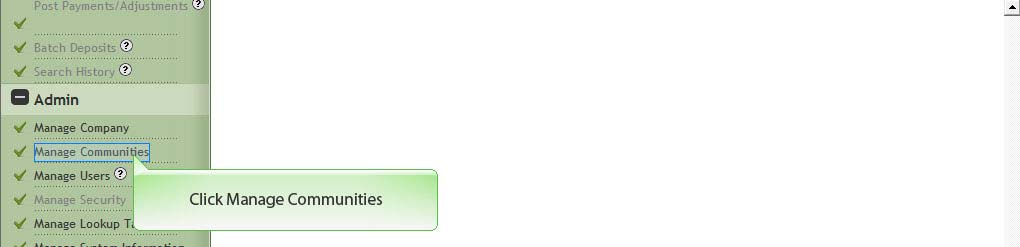
1. Click Manage Communities
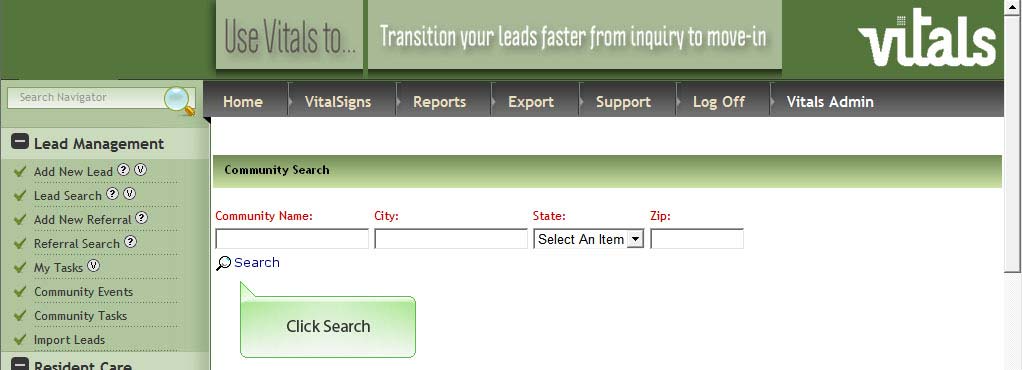
2. Click Search
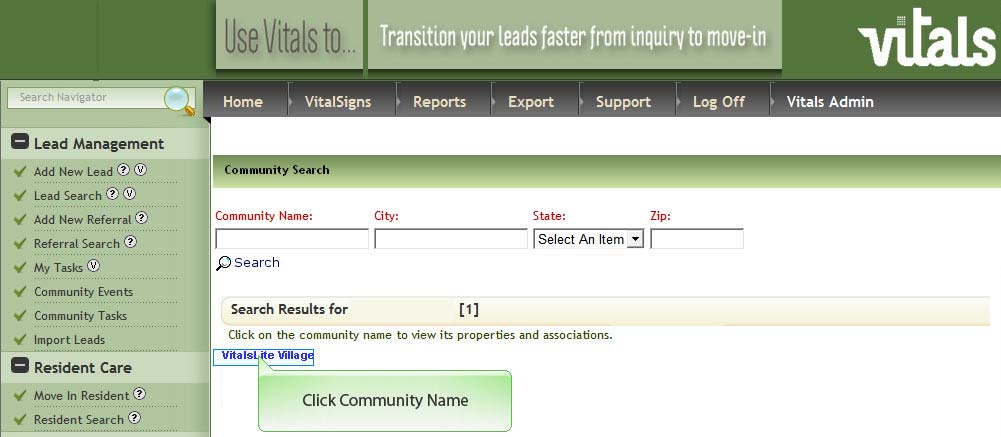
3. Click Community Name
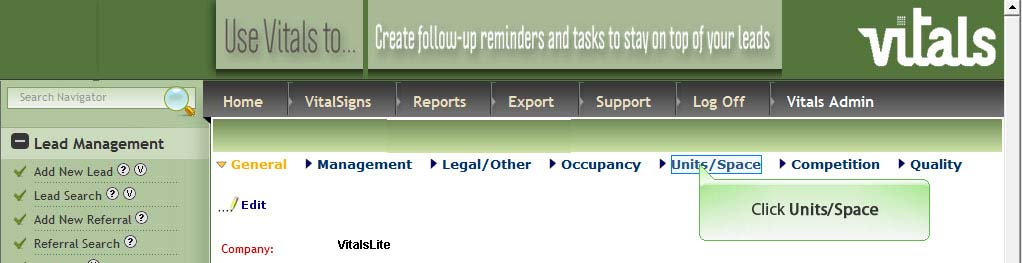
4. Click Units/Space
5. Click Delete adjacent to the apartment you need to delete.
Was this article helpful?
That’s Great!
Thank you for your feedback
Sorry! We couldn't be helpful
Thank you for your feedback
Feedback sent
We appreciate your effort and will try to fix the article