If you have an event you may need an easy way to enter all the new leads at once. Batch Leads is the way to enter initial inquiries in mass. (If this feature is not available send an email to support@vitalsware.com)
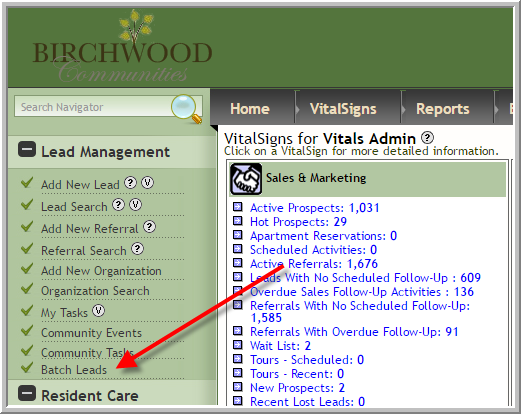
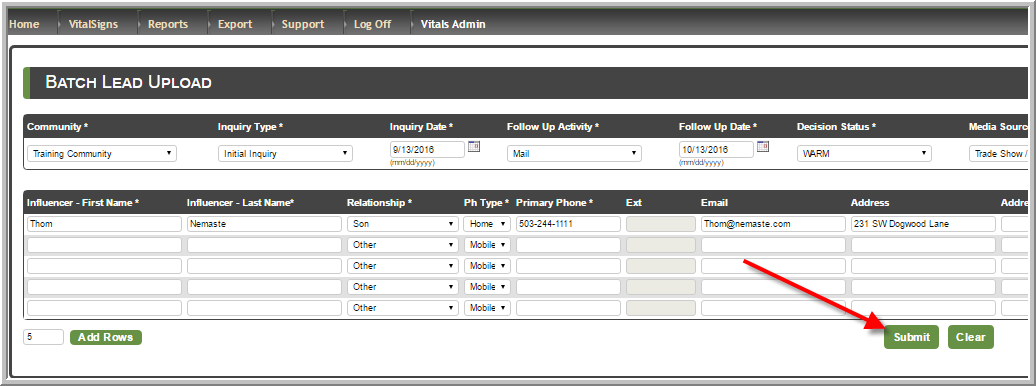
- Click Batch Leads
- Anything that has an * is a required field
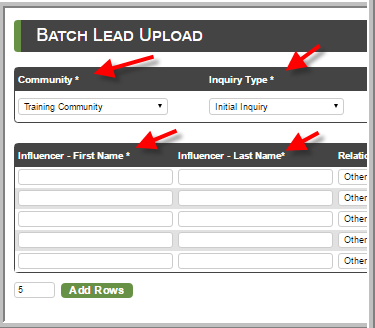
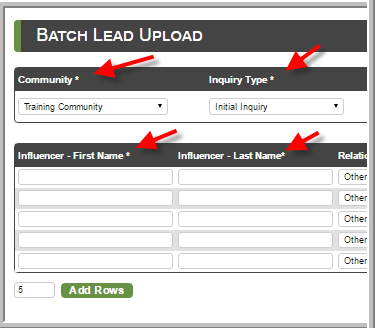
- When you enter the leads in mass you should ensure that you want all of the leads that you add to have the same Product Type (AL, MC...) and Decision Status (hot, cold...)
- Each lead you add will also have the same follow-up type and follow-up date. However, you can keep adding 5 rows to the initial 5 rows if appropriate.
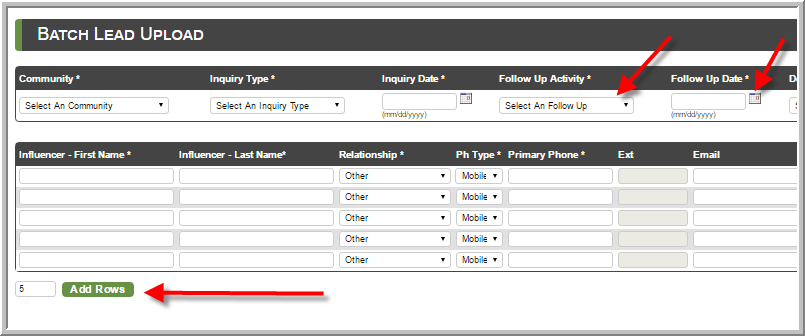
- After you are finished adding leads click Submit
Was this article helpful?
That’s Great!
Thank you for your feedback
Sorry! We couldn't be helpful
Thank you for your feedback
Feedback sent
We appreciate your effort and will try to fix the article