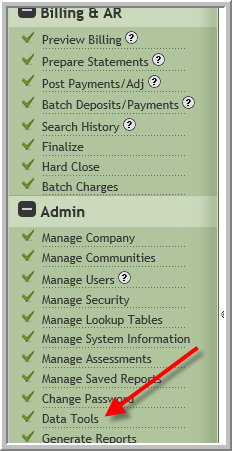
The data tools may be limited to certain users at your company. To access the data tools:
- Click Data Tools
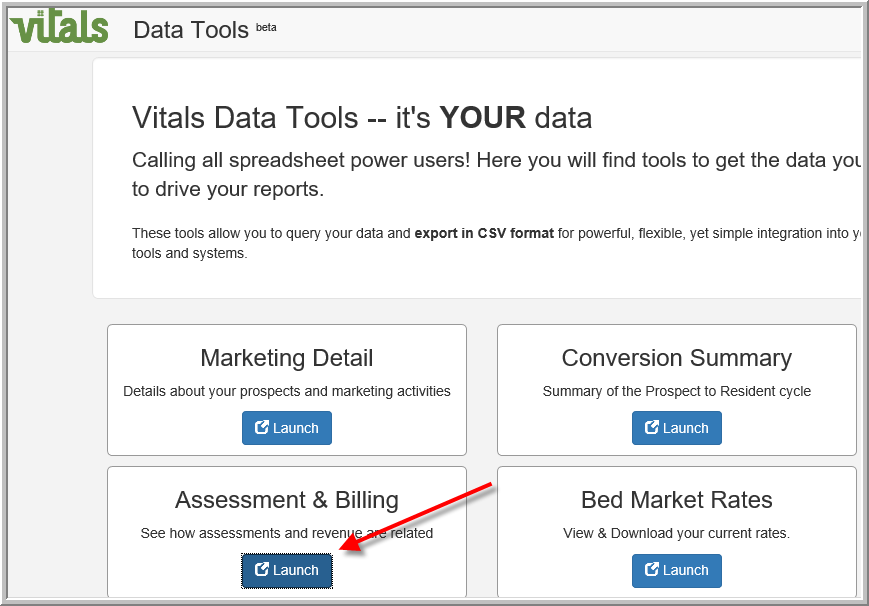
- Click Launch under the tool that you want to view
- (Optional) To limit the number of results click Edit and make selection as needed.

- Click Download CSV

Recommendation: Save file as Excel Spreadsheet rather than CSV.
Was this article helpful?
That’s Great!
Thank you for your feedback
Sorry! We couldn't be helpful
Thank you for your feedback
Feedback sent
We appreciate your effort and will try to fix the article