This article explains how to move a resident out of the community. If the resident is transferring to a new apartment please follow the instructions in the article called How do I transfer a resident?.
1. Access the resident’s profile
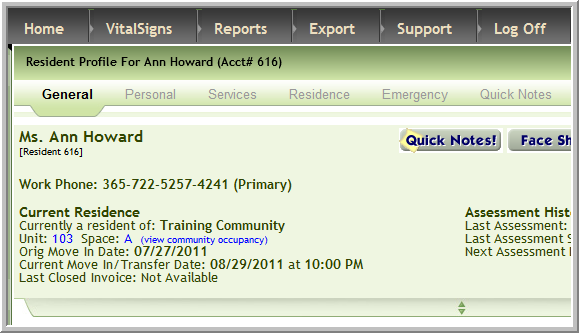
If your company uses billing in Vitals the Business Office Manager needs to complete the invoice covering the last billing date before moving the resident out of the community.
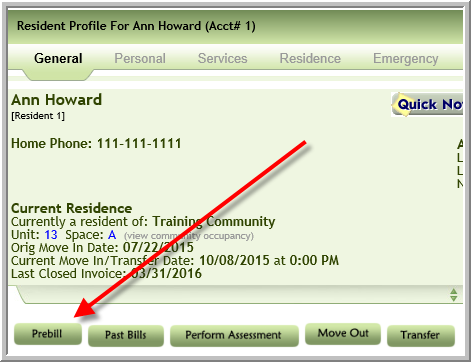
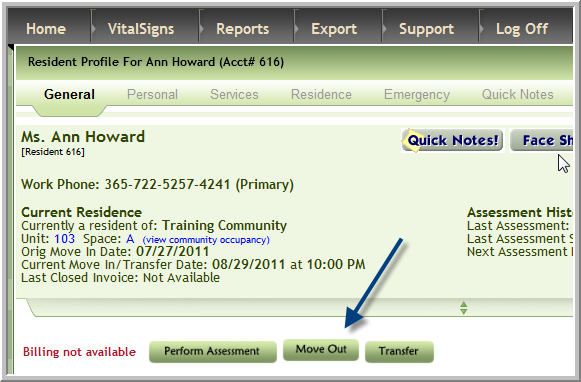
2. Click Move Out
3. Enter data in the required fields (Fields have an * when they are required)
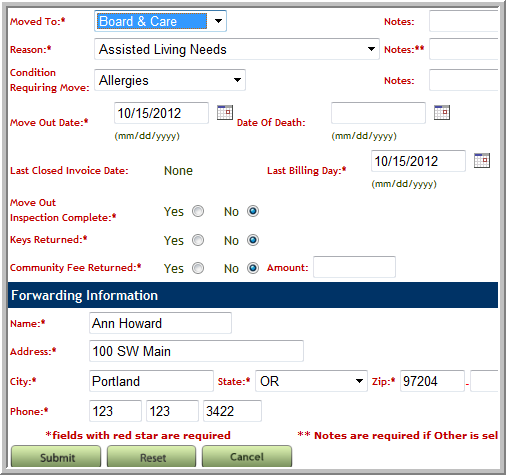
4. Click Submit
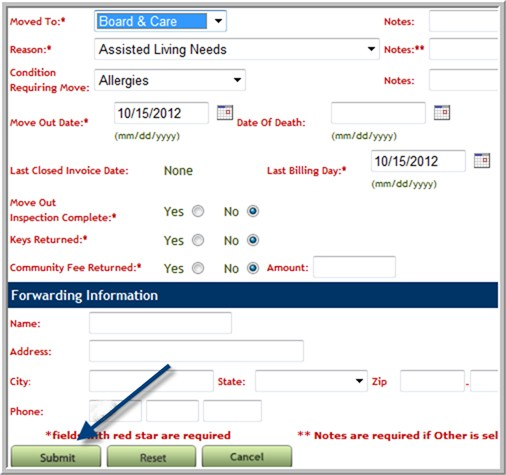
Note: This is typically last step
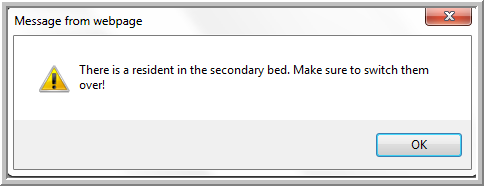
5. If you get this message move the other resident in that apartment into the bed from which this resident just moved out.
Was this article helpful?
That’s Great!
Thank you for your feedback
Sorry! We couldn't be helpful
Thank you for your feedback
Feedback sent
We appreciate your effort and will try to fix the article