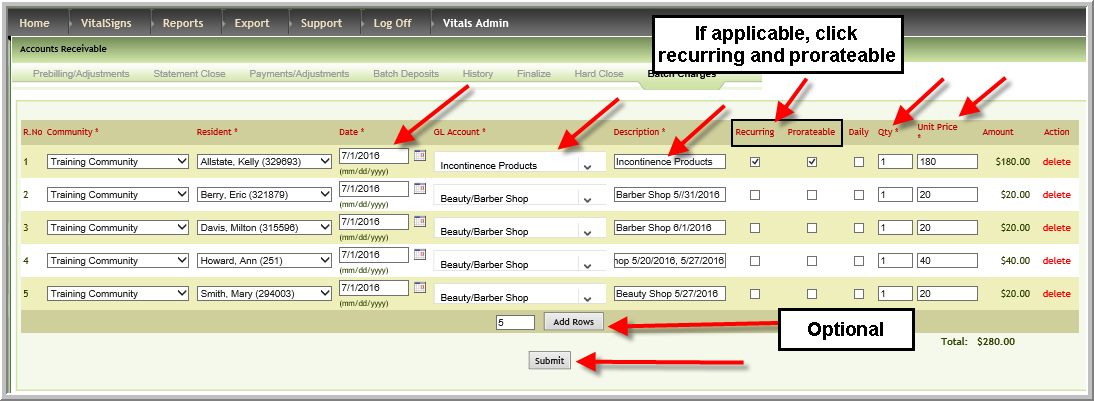
It is sometimes more convenient to add charges such as Beauty Shop charges in Batch Charges rather than opening each Prebill and adding charges. To add batch charges:
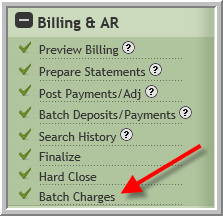
- Click Batch Charges
- Enter data in the required fields indicated by *. If a charge is recurring or prorateable, click the corresponding checkboxes
Was this article helpful?
That’s Great!
Thank you for your feedback
Sorry! We couldn't be helpful
Thank you for your feedback
Feedback sent
We appreciate your effort and will try to fix the article