Your company may want to turn on Reports for the Training or Sample Community only when a company training or testing is taking place or your company may prefer to leave the reports on at all times. If your company needs the reports to be turned on and off the Vitals Administrator that works at your company can follow these steps:
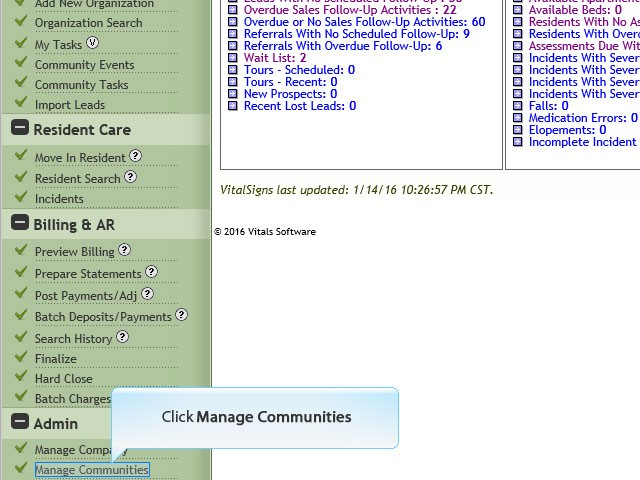
1. Click Manage Communities
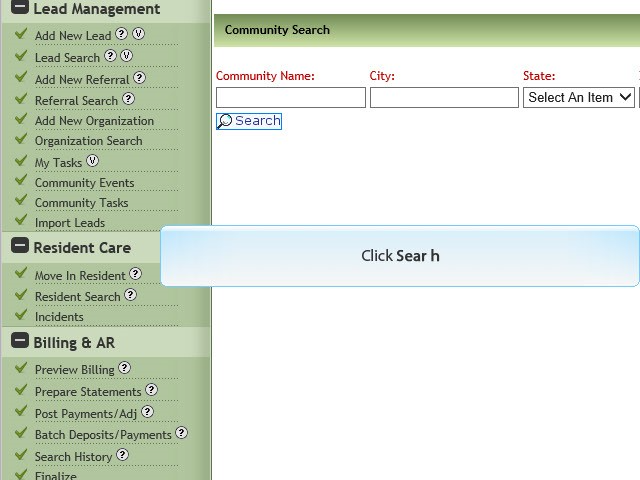
2. Click Search
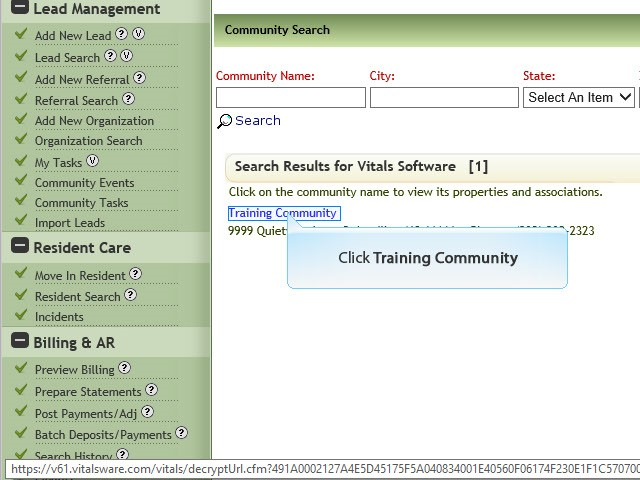
3. Click Community
4. Click Edit
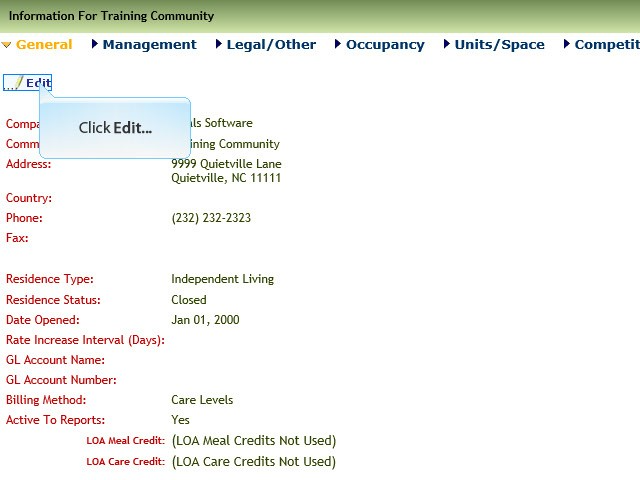
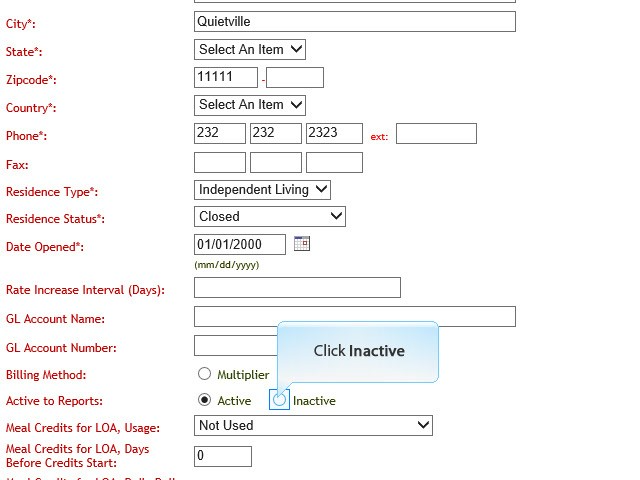
5. Click Inactive
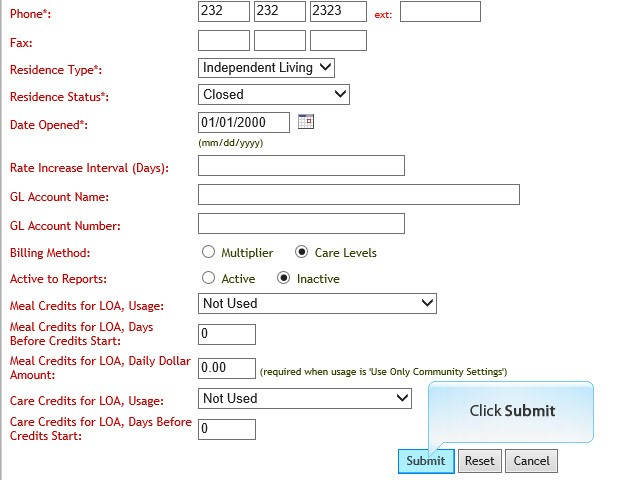
6. Click Submit
Was this article helpful?
That’s Great!
Thank you for your feedback
Sorry! We couldn't be helpful
Thank you for your feedback
Feedback sent
We appreciate your effort and will try to fix the article