Vitals has an Incident Module that is available by subscription. If you are interested in adding this module to your portal please contact sales@vitalsware.com
If your company has subscribed to the incident module you may or may not have access to the incident module. Please contact your Vitals Administrator at your company if you think you are supposed to have access and don't have access.
Use a modern browser such as Google Chrome. The incident module will not work in the older Internet Explorer browser. Ensure your browser is configured to allow pop-ups from https://app2.vitalsware.com and https://app3.vitalsware.com
The steps to add a new incident are:
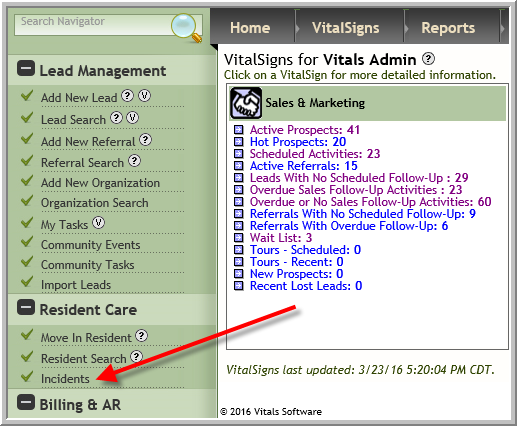
- Click Incidents
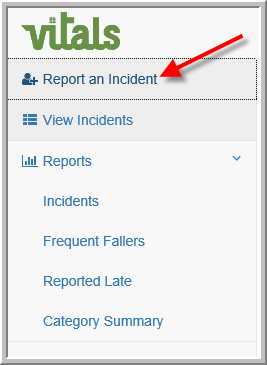
- Click Report an Incident
- Enter data in the form
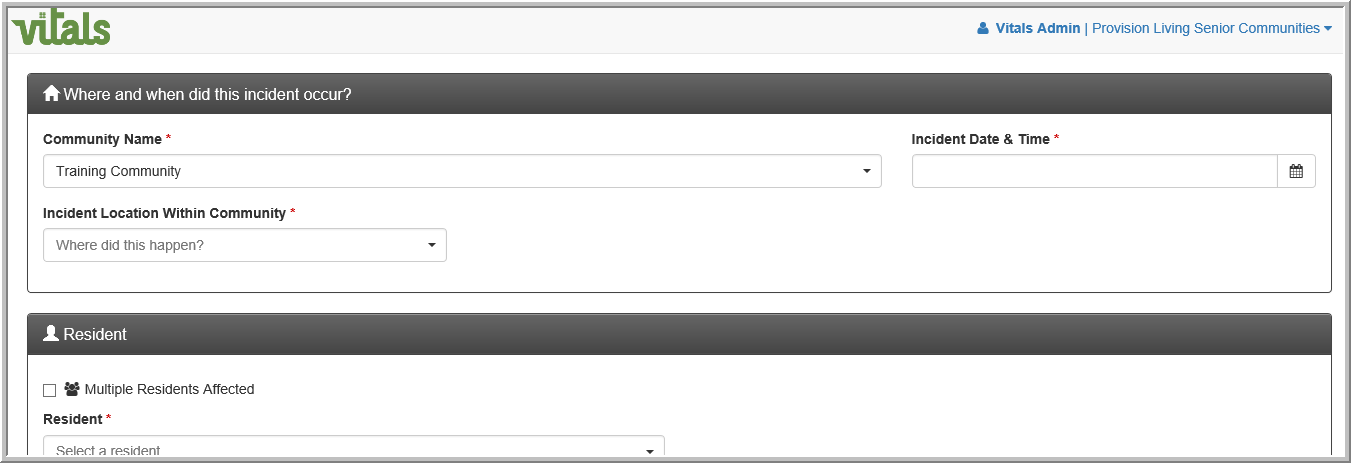
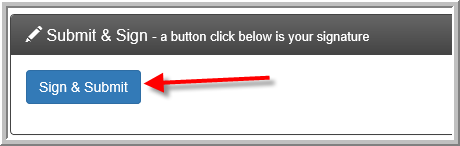
- Anything that has an * is required. When you finish entering the incident information click Sign and Submit
Was this article helpful?
That’s Great!
Thank you for your feedback
Sorry! We couldn't be helpful
Thank you for your feedback
Feedback sent
We appreciate your effort and will try to fix the article